Steel stockholder
Goods in and goods out: tubes, rebar, profile.
Counting from a photo
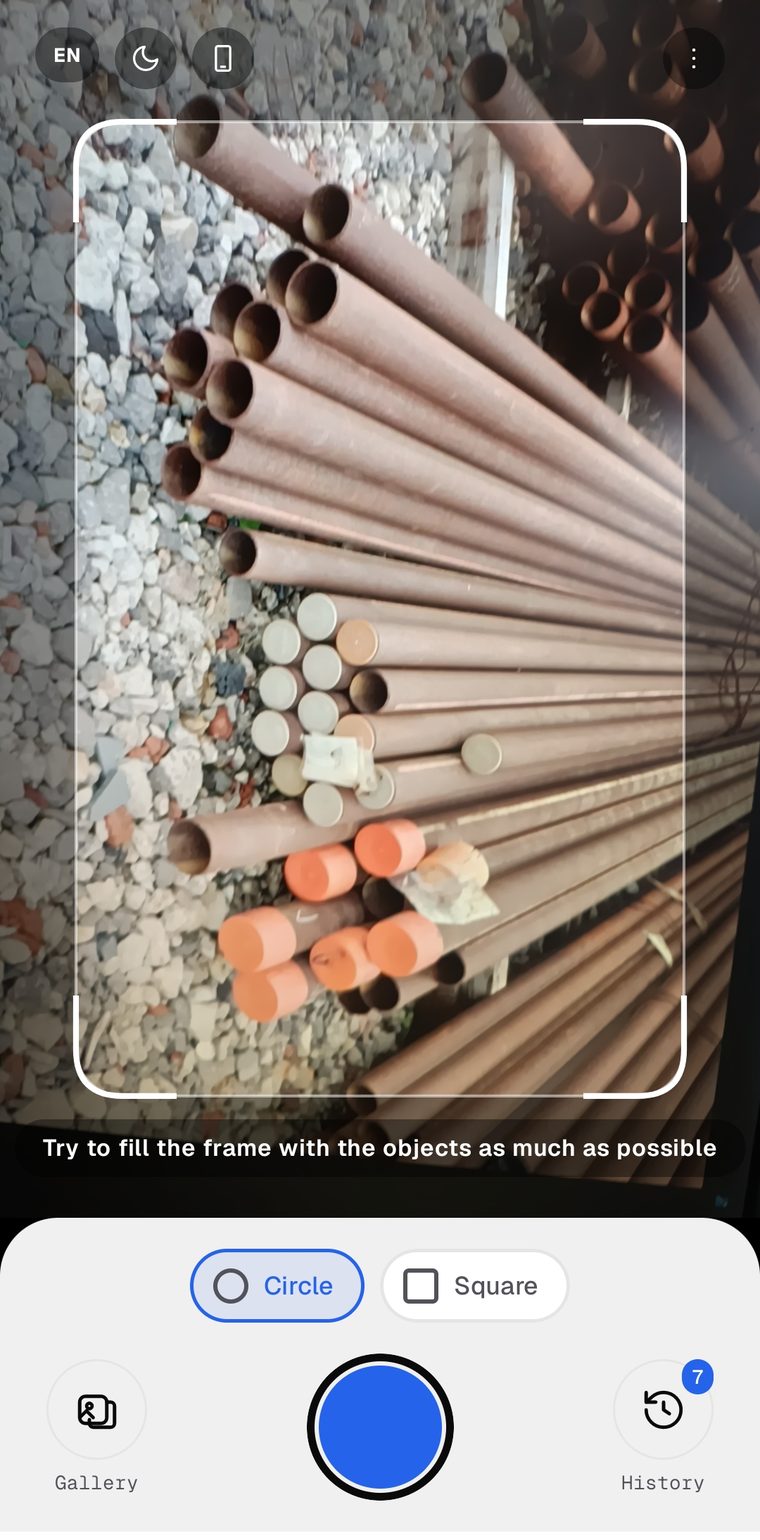
StackCount finds round and square ends on a photograph of a stack and outlines every piece it counts. The Android app does the counting on the phone itself, so a yard with no signal works exactly like an office.
Where it is used
Goods in and goods out: tubes, rebar, profile.
Recounting batches as they leave the shop floor.
Periodic counts without stopping the yard.
Checking rebar quantities on delivery from the supplier.
How it works
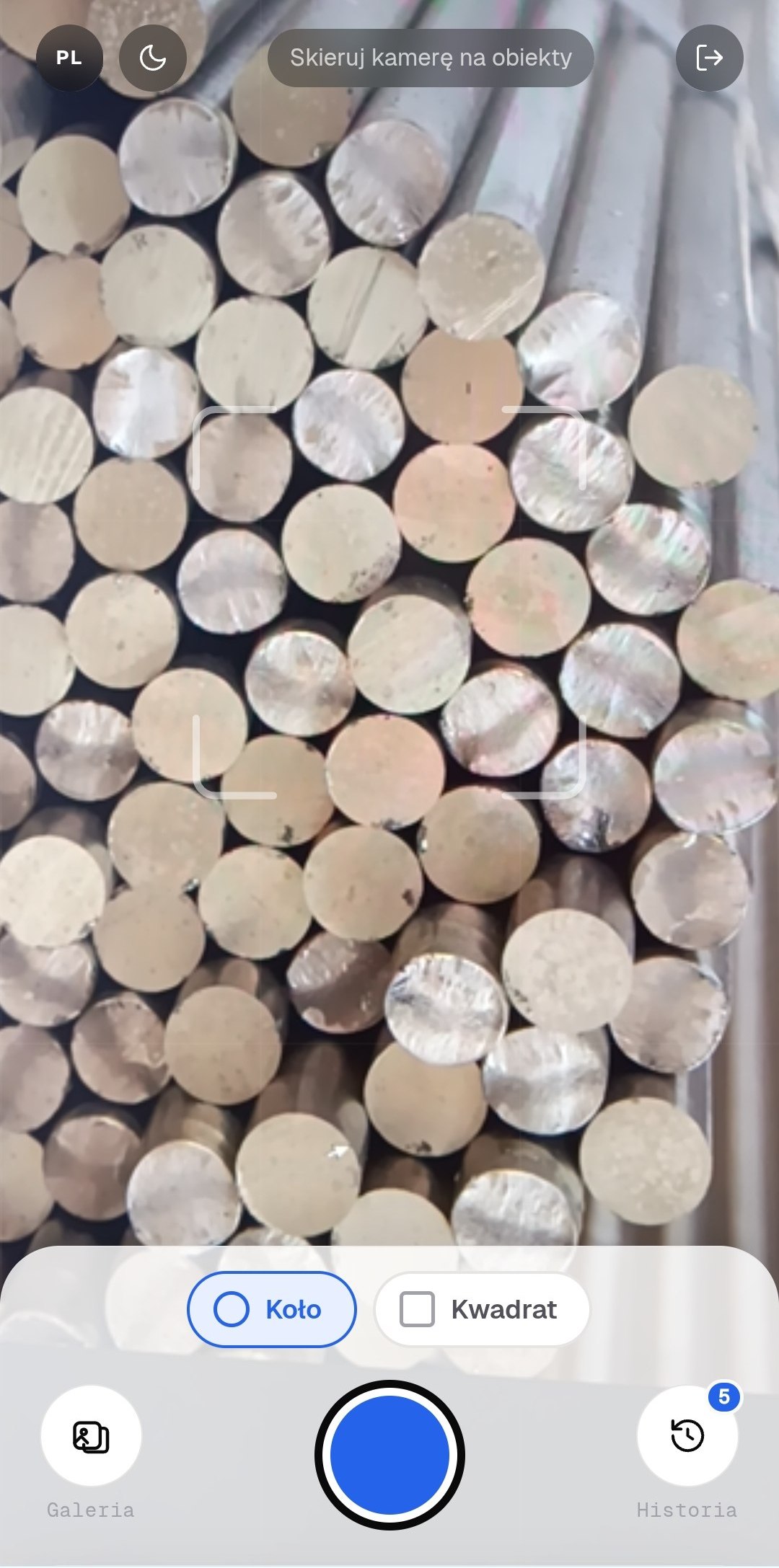
Point the camera at the ends of the stack and press the button. An existing photo from the gallery works just as well.
The phone does the counting when offline mode is on, the server does it when there is a connection. Either way it is seconds.
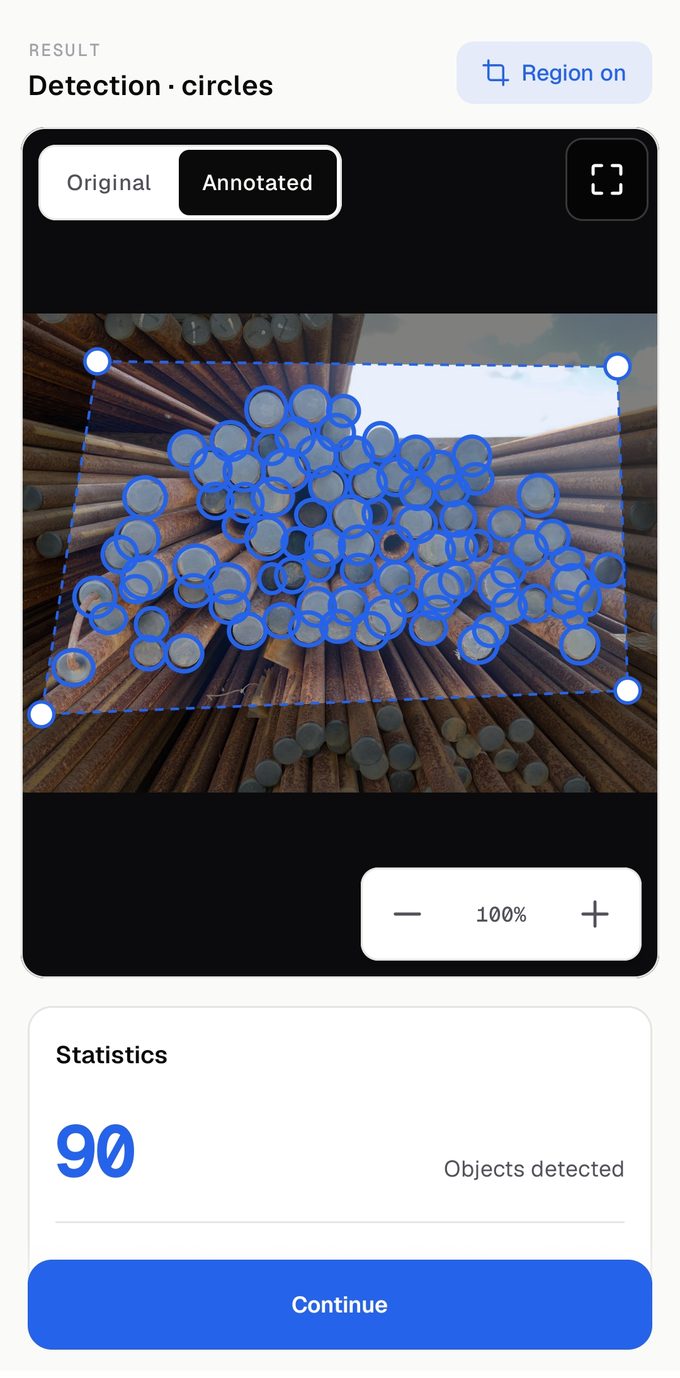
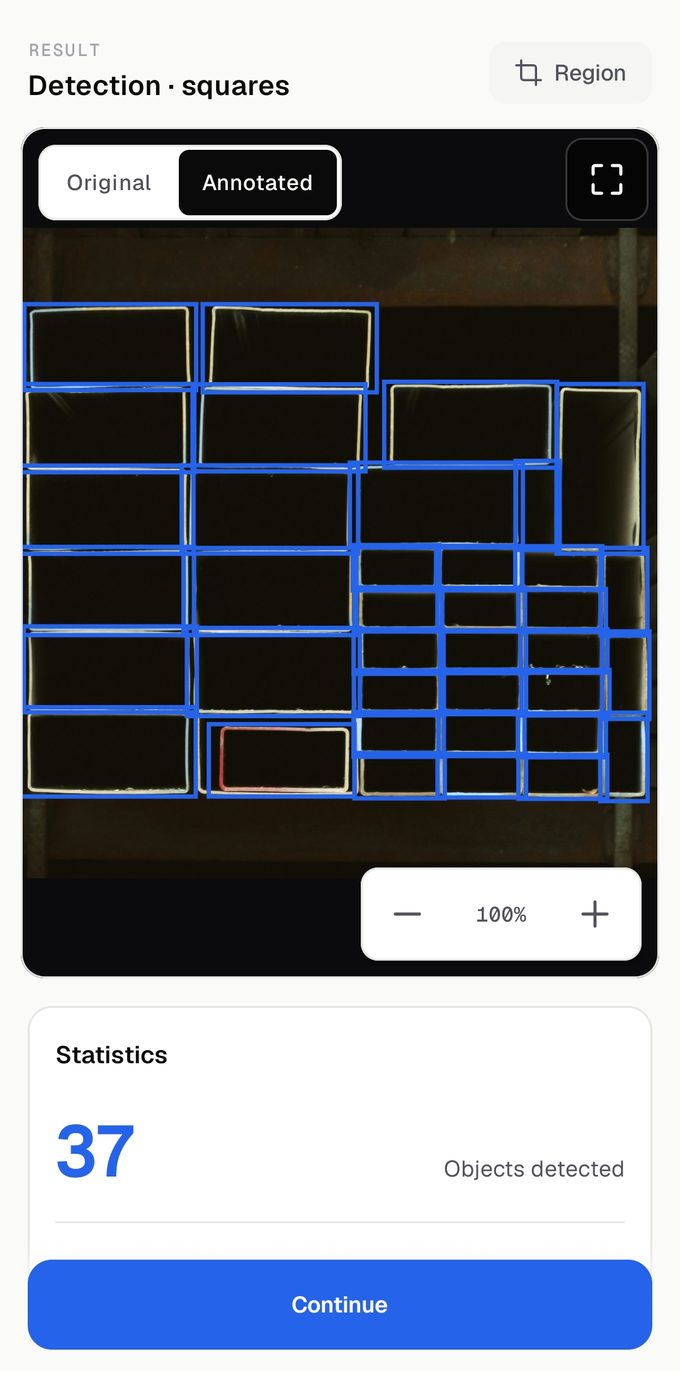
Every piece found is outlined, so the result is easy to check by eye. The outcome is saved and downloads as a single file.
Results
Ordinary stacks, ordinary light, nothing staged. The app produced every number on these screens by itself.
Features
Interface
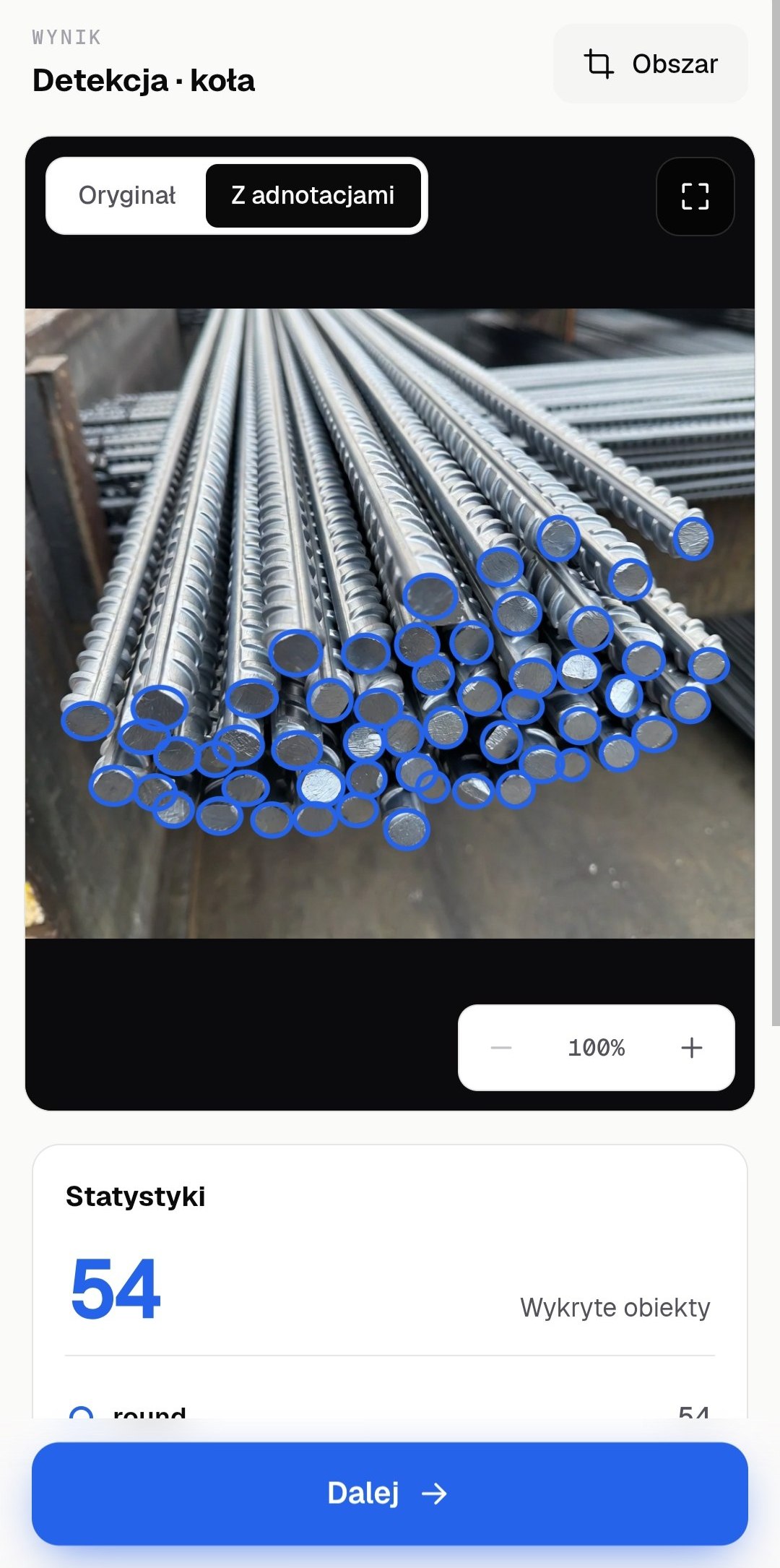
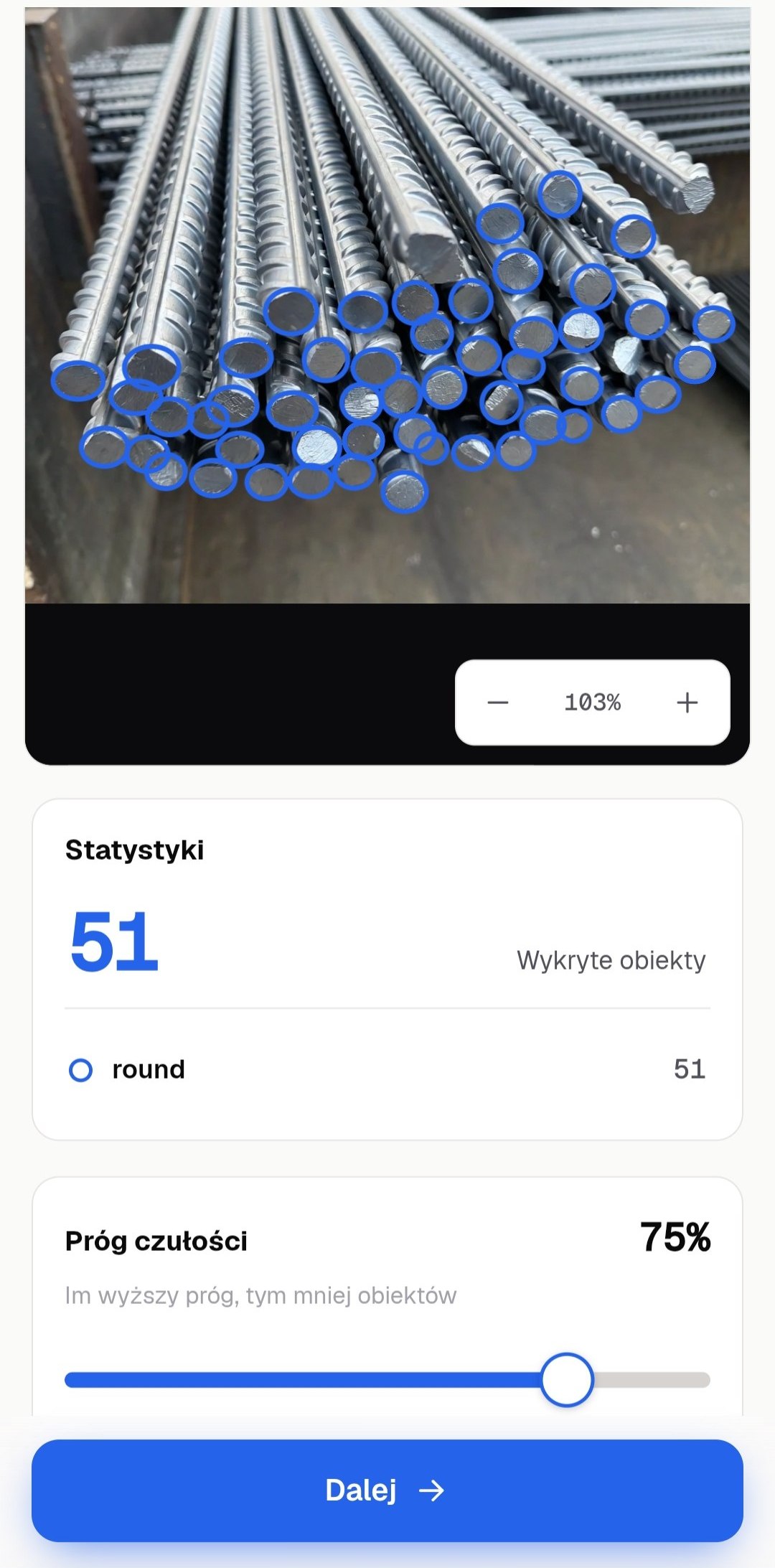
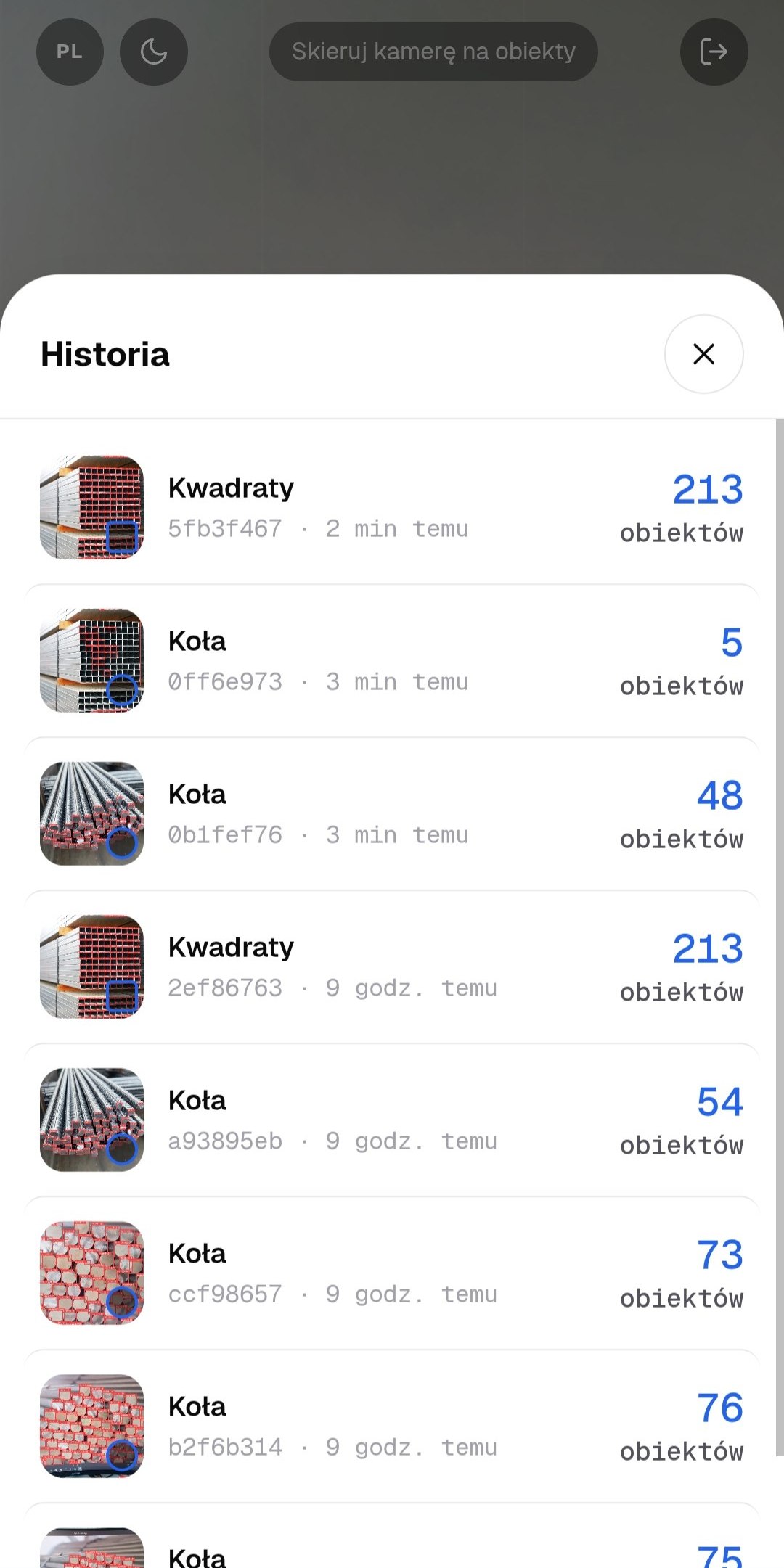
The app
Counting happens on the phone, so a yard with no internet and no mobile signal does not get in the way. The history of counts stays on the device.
About 51 MB on the phone, Android 8 and newer. Access is issued by us: there is no self-registration in the app, so you will need a username and password after installing. Write to us and we will issue them, together with a free run on your own material.
How to start
Send us a few photographs of your stock. We will put them through StackCount and send back the outlined results with the numbers. It is free and commits you to nothing: those frames show straight away whether StackCount suits you.
After that: a paid subscription per organisation, invoiced. The price depends on how many people will be counting.
Send us photographsFAQ
Some ends will not be found, and the app will honestly show a smaller number, or an empty result with a prompt to shoot again. A good frame only needs the ends facing the lens, without glare or motion blur. One retake is usually enough.
What is visible gets counted. An end completely hidden by its neighbours will not make it into the number, which is why the photo should be taken from the end of the stack, where every piece can be seen.
It is. In offline mode the phone does the counting and the photograph goes nowhere. Internet is needed once, to install the app and sign in, and occasionally after that to renew access.
From Google Play, in the ordinary way. The app alone is not enough though: there is no self-registration in it, and we issue the username and password. Write to us and we will set your organisation up.
A few seconds. On the phone it depends on the phone; through the server it depends on the signal in the yard.
In offline mode, nowhere: the picture stays in the phone's memory. When counting through the server the photograph goes to it and is kept in your organisation's history so the result can be opened again. This is described in detail in the privacy policy.
Round and square ends: tubes, bar, rebar, profile. If you need something else counted, send photographs and we will see what comes out.
There is, and we show it in meetings when installing an app would be awkward. It is not the tool for the yard: a browser needs a connection and the app does not.
Tell us what you count and how much of it. We answer within a working day.
By sending this you give us a name and a way to reach you, so that we can reply. What we do with them, and how to have them deleted, is in the privacy policy.
Or directly: [email protected] · Telegram: @romani0x